UI/UX Design & Product Strategy
UI/UX Design & Product Strategy
Design users love. Products that convert.
Great AI and great software still fail if the experience is poor. Agintex designs user interfaces, user flows, and product experiences that are intuitive, beautiful, and aligned to your business goals — from wireframe to high-fidelity, and from strategy through to implementation.
What Are UI UX Design Services?
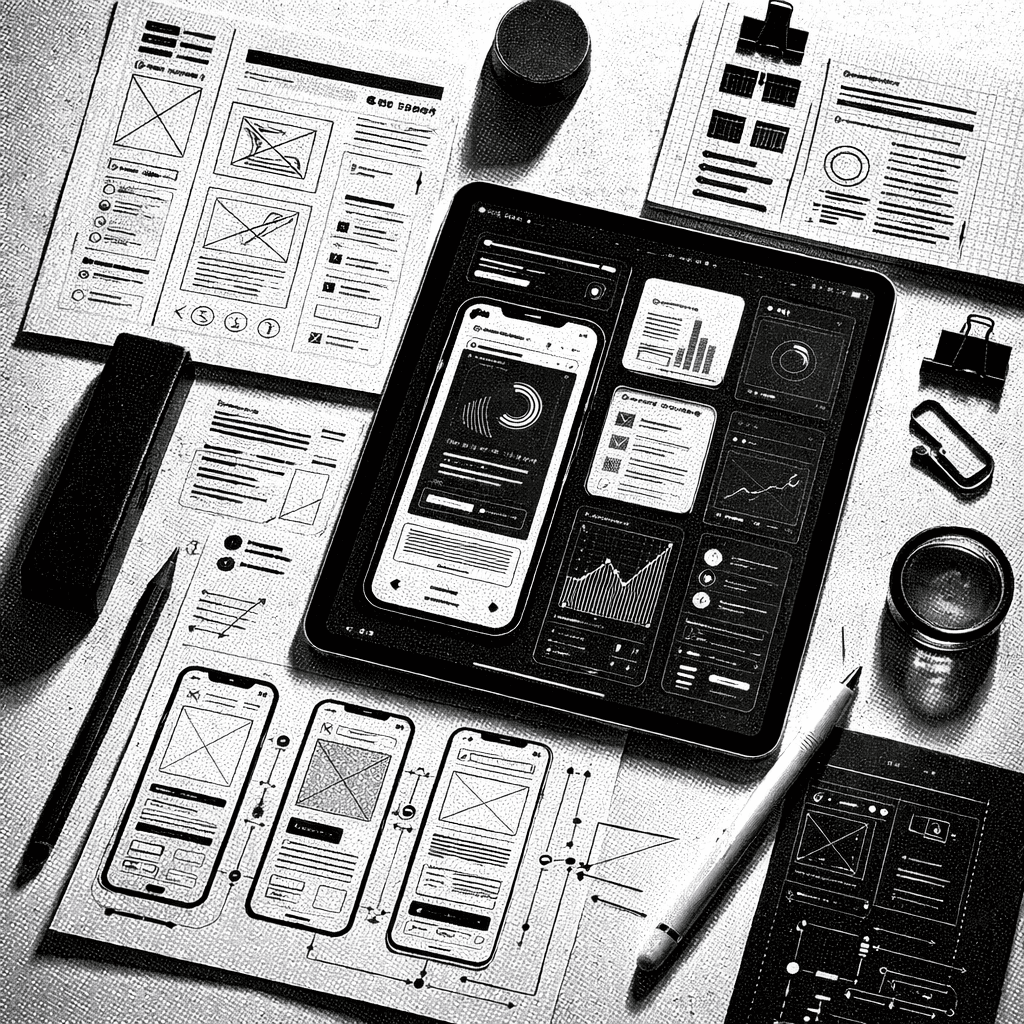
UI UX design services cover the full path from user research to a developer-ready product experience: journey mapping, information architecture, wireframes, high-fidelity interface design, interactive prototypes, usability testing, design systems, and engineering handoff. A complete engagement connects design decisions to product strategy and business goals, not just how a screen looks.
UI, UX, and Product Design, What's the Difference?
These terms get used interchangeably, but they cover different work:
UI (user interface) design is the visual layer, layout, typography, color, components, what a screen looks like.
UX (user experience) design is how the product actually works for the person using it, flows, friction, information architecture, whether it makes sense.
Product design sits above both, connecting design decisions to business goals, strategy, and what gets built first.
Good design needs all three working together. A beautiful interface on a confusing flow still fails, and a well-structured flow with a rough interface undersells the work underneath it.
What we build
AI products carry a design burden ordinary software doesn't: users need to understand what the system is doing, trust its output, and stay in control. Our designers have shipped agent UIs, copilots, and AI dashboards (the hardest interface problems in the industry right now) alongside classic SaaS, web, and mobile work.
01 UX research and user journey mapping
02 Information architecture and wireframing
03 Existing flow analysis and redesign
04 High-fidelity UI design in Figma
05 Interactive prototyping and usability testing
06 Design systems and component libraries
07 AI interface design: chat, agent UIs, dashboards
08 Product strategy and roadmap definition
09 Design-to-development handoff and QA
How we work
Every engagement follows the same disciplined process. No surprises, no scope creep.
Step 1: Research and discovery
We talk to your users, audit the current product, and map where the experience breaks down. No design decisions without evidence.
Step 2: Information architecture and flows
We restructure how users move through the product so every path feels obvious and every goal takes minimal friction.
Step 3: Wireframing and validation
Low-fidelity wireframes, built fast, so direction is validated before any pixel-level work begins.
Step 4: High-fidelity design
Polished, production-ready UI in Figma, your brand system applied, responsive across every screen size.
Step 5: Prototype, test, and handoff
Interactive prototypes for usability testing, then a complete engineering handoff with specs, assets, and a working component library.
Technologies we use
We choose the right tool for the job, not the trendiest one.
Figma for design and prototyping
Framer for interactive web experiences
Storybook for design system documentation
Maze, Hotjar, FullStory for usability research
Optimal Workshop for information architecture testing
Lottie and Rive for motion and micro-interactions
Zeplin for design-to-development handoff
Who this is for
Startups with a working product but a confusing or dated experience
Scale-ups heading into a funding round who need the product to impress
Product teams whose NPS and retention are suffering from UX debt
Companies building AI products that must feel understandable and trustworthy
Engineering-led teams that build great software but struggle to make it intuitive
What You Get at Handoff
A design engagement should leave your team with more than a set of screenshots. Every project includes:
Complete Figma files, organized and annotated, not just final screens
A working component library, so consistency doesn't depend on manual effort
Interaction specs, so engineers know exactly how something should behave, not just how it looks
Accessibility notes, so the product works for everyone using it
A design QA pass, checking the built product actually matches the design before launch
Results you can expect
30-60% fewer tickets: Clear UX reduces confusion; clients typically see the drop within the first quarter.
Higher conversion: Better onboarding and clearer UI directly lift activation and conversion rates.
Faster development: A solid design system with reusable components speeds up every future sprint.
User trust: Polished, consistent design signals professionalism and keeps users around.
Timeline and cost: A focused redesign typically takes 4 to 8 weeks depending on scope and research depth. Pricing depends on the number of flows, screens, and testing required. A scoping call gives you a specific estimate.
See it in action: Patientra redesigned their healthcare SaaS product's UX without touching the core system, cutting support tickets by 60% and lifting onboarding by 47% →
“The best technology gets abandoned when it feels like work. We make yours feel effortless.”